Configuring driver behavior widgets for Dashboard
Who can do it: Service provider
Where: Wialon Platform FleetSpace
Wialon Platform FleetSpace offers widgets that display relevant driver behavior information.
-
Log in as a customer to Wialon Platform FleetSpace.
-
Navigate to the Dashboard page.
-
Click the icon
 in the sidebar to enable the editor mode.
 -
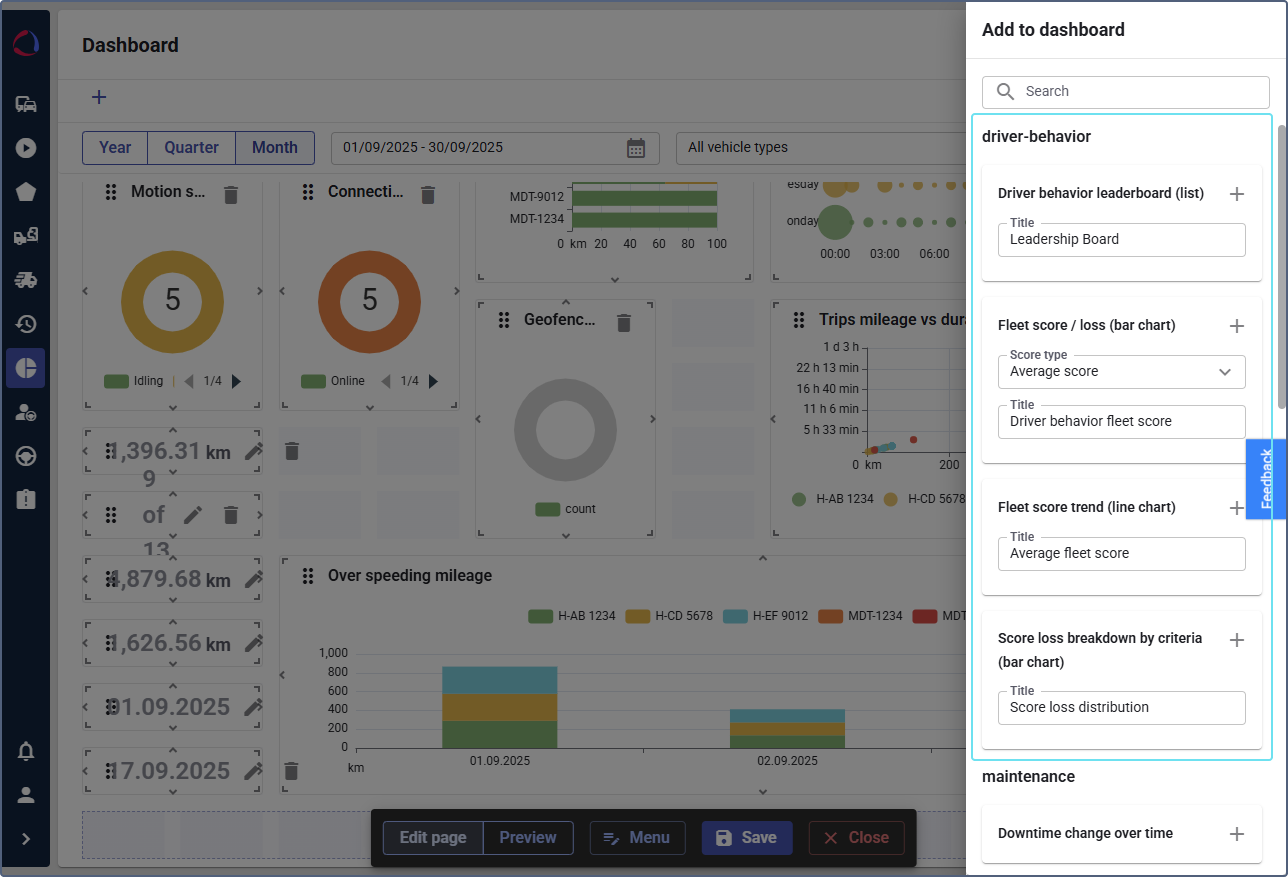
Click the Add widget button.
-
In the panel on the right side of the screen, locate the driver behavior template to display widgets related to driver performance.
-
To add a widget, click the icon
 next to its name.
Top devices by driving score (list)
Shows the list of drivers ranked by their driving behavior score in descending order during the selected period of time (year, quarter, month). If necessary, use the Show difference between previous periods toggle.
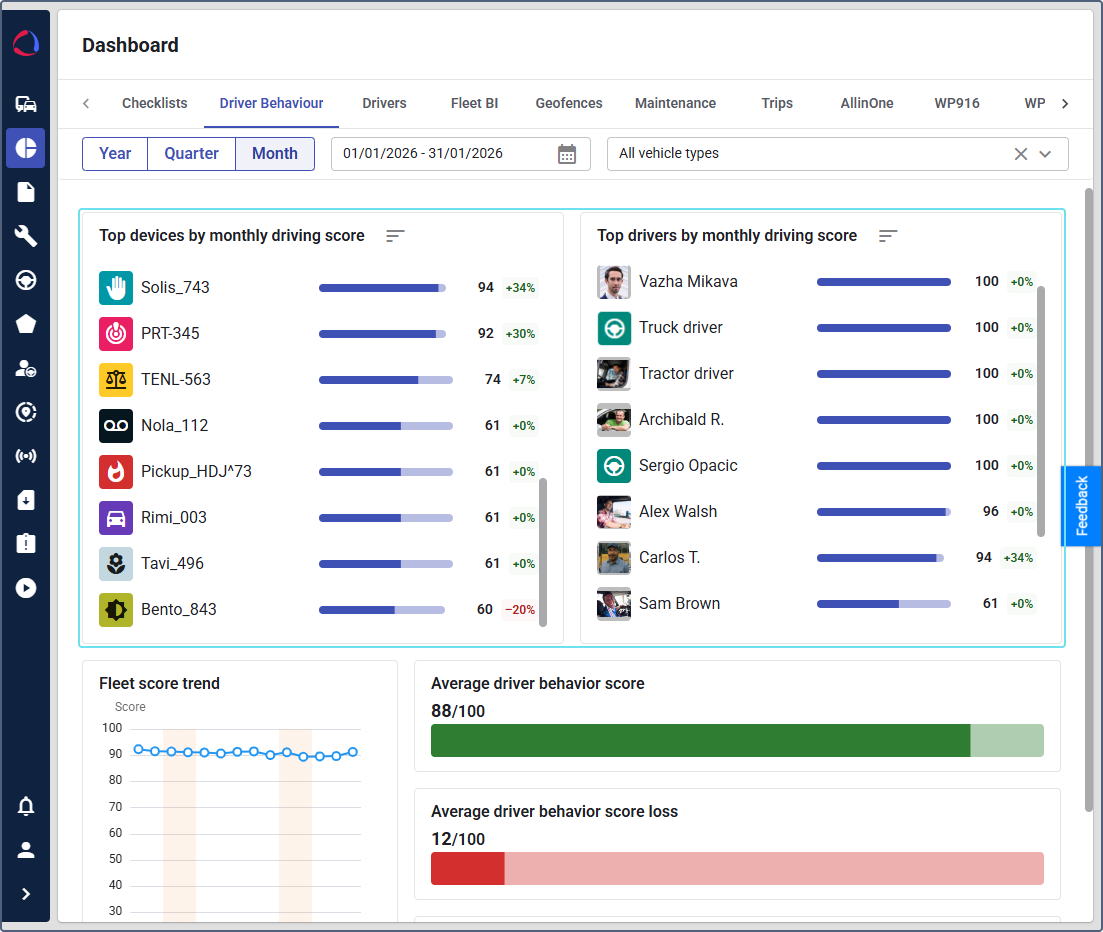
Top drivers by driving score (list)
Shows the list of drivers ranked by their average driving behavior score (descending by default) during the selected period of time (year, quarter, month). If necessary, use the Show difference between previous periods toggle. Customer user can sort the list.
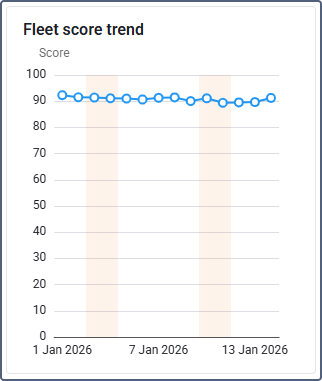
Fleet score trend (line chart)
Displays the trend of the average fleet score over time. Hover over the specific point that represents a period of time on the chart to see the score for this period.
Score loss breakdown by criteria (bar chart)
Displays the breakdown of the score loss by specific criteria.

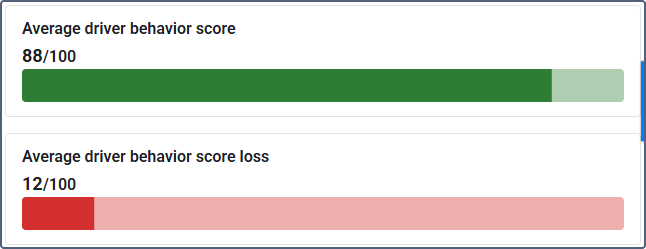
Fleet score or score loss (bar chart)
To configure the widget, select the Score type: Average score to display the average score or Score loss to display the average score loss. You can add both options as separate widgets.